
One-click pro-inspired settings
for CS2 & VALORANT
Browse presets from elite players, preview every change, and apply with automatic backup. Sourced from public tournament configs — fully reversible, no game injection.
8 pro-inspired presets
Filter by game. Click any player to see full settings — sensitivity, crosshair, graphics, launch options.

 CS2
CS2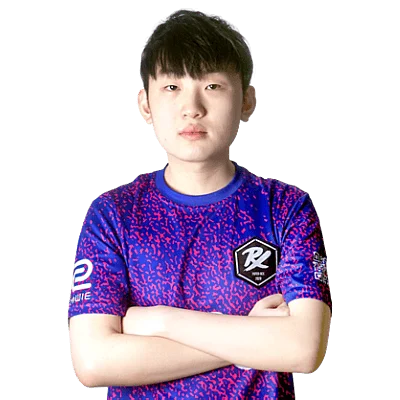
 VALORANT
 CS2
CS2
 VALORANT
 CS2
CS2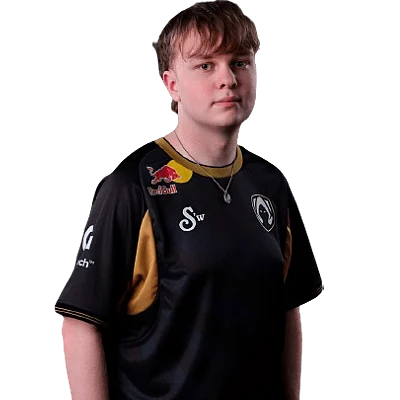 VALORANT
 CS2
CS2 VALORANT
Safe by design
Presets touch only config files. No game process injection. No cheats. No Vanguard flags.
About pro player settings
What are pro player settings?
Pro player settings are the exact in-game configurations used by professional esports players during tournaments: sensitivity, crosshair, resolution, radar, viewmodel, and launch options. These are documented from public match data, player streams, and official team profiles.
Why do pros optimize latency and frametime?
At 240Hz and above, each frame takes ~4ms. A single frame of input lag can mean the difference between reacting to a shot or dying to it. Pros use capped framerates, raw input, high DPI hardware, and specific launch flags to reduce per-frame input delay below the level of human perception.
How does InputLag apply settings safely?
Before applying any preset, InputLag reads your current config files and saves a full timestamped backup. Changes are applied to config files only — no game injection, no cheat software, no background processes. One click reverts everything.
What is the difference between a normal config and an optimized preset?
Default game configs are built for broad compatibility, not performance. An optimized preset sets specific values for frame pacing, input pipeline, and render settings that the game engine exposes but does not enable by default. Pro presets layer these engine-level tweaks on top of the visual settings.
Apply your first preset in 60 seconds
Download the InputLag desktop app, pick a preset, preview the changes, and apply. Your original settings are backed up automatically.